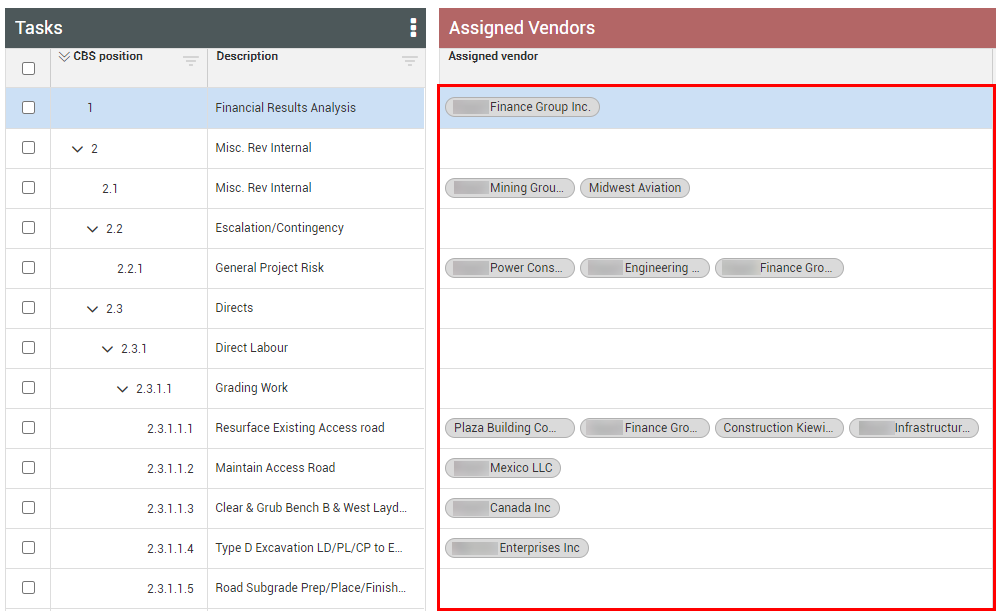
Assigned vendors
You can assign a vendor to a cost item, and also view the assigned vendors from InEight Contract. A cost item with a vendor assigned serves two purposes. The first purpose is informative, letting the product team know a vendor is related to that cost item, either as a material supplier or as a subcontractor doing the work. The second purpose is functional, as it controls what tasks a vendor can view when logged into a daily plan in InEight Progress. The vendor will only view tasks related to the cost items/WBS phase codes with that vendor assigned to them in Control.
If a vendor is assigned via a contract, the vendor name is automatically assigned to a cost item and cannot be removed.
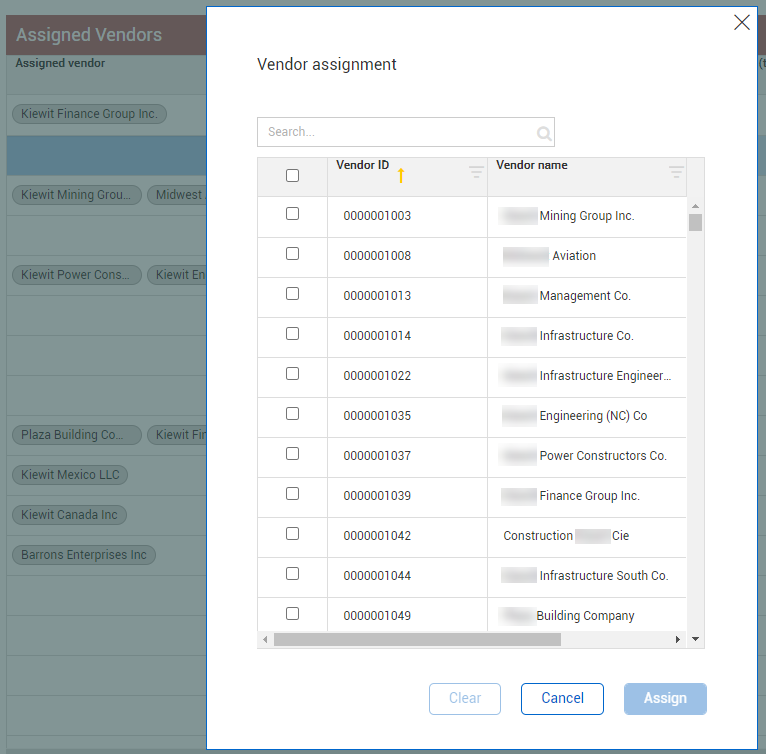
Clicking in an Assigned vendor field lets you add new vendors. Vendors originate from the master data library for the entire organization.